
How to Sign Up as a PockBooks Agent
Create an agent account, refer businesses with your phone number, and track your 20% commission in one place.
What you need
Have an email address, phone number, and password ready. Your phone number becomes the referral code you share with businesses.
Create your account
Visit the agent signup page. Enter your email and phone number, choose and confirm a password, then agree to the Terms of Service and Privacy Policy before submitting.
Verify your email
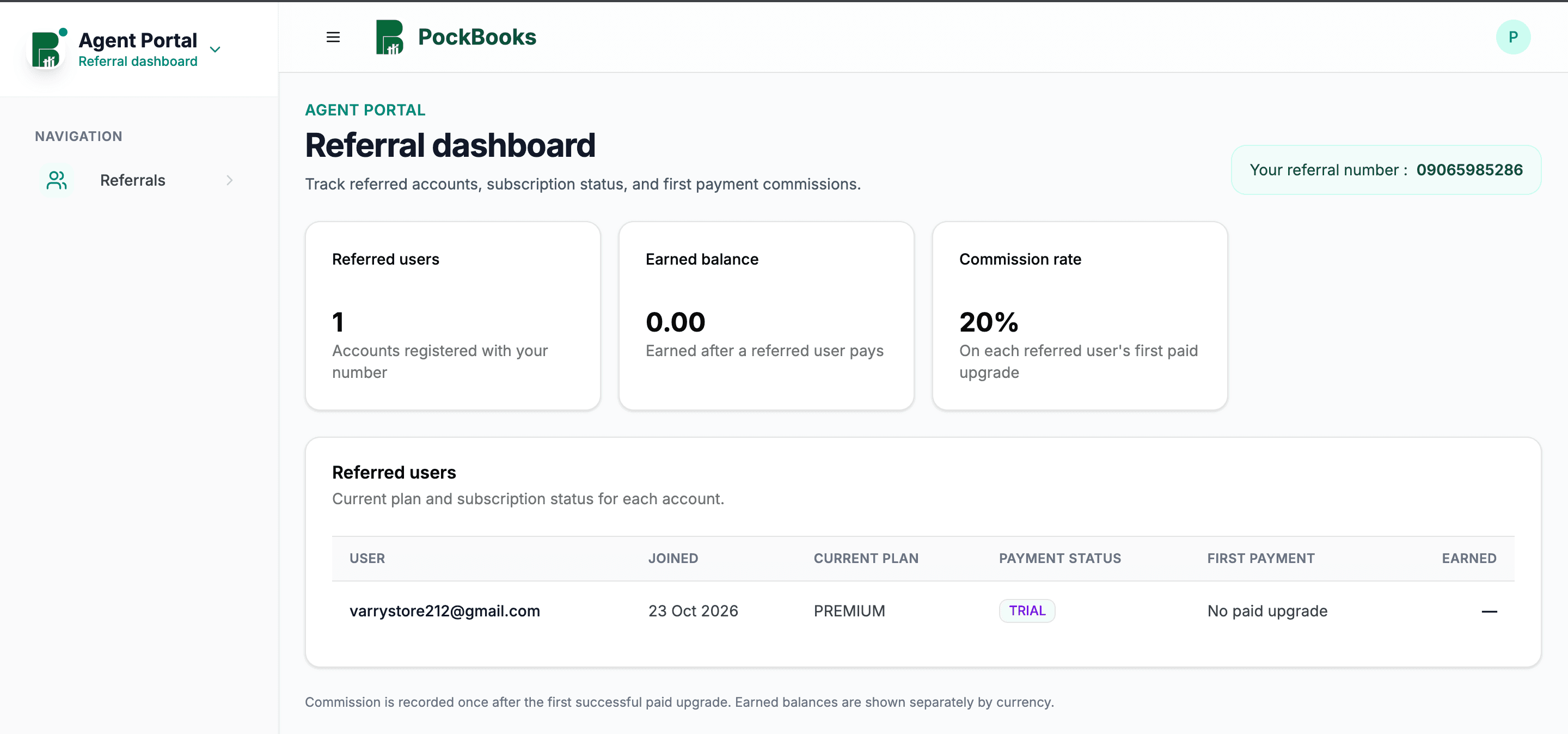
Open the verification message from PockBooks and follow its instructions. Then sign in to view your agent dashboard, where you can check referrals, payment status, and earnings.
Refer a business
Ask the business to create a PockBooks account and enter your phone number in the optional Agent Phone Number field. This connects their account to your referrals.
Track your commission
You earn 20% of each referred business's first successful paid upgrade. Sign in to your agent dashboard any time to follow referral and commission status.
Keep reading
More practical guides for your business
Browse the journal for clear advice on bookkeeping, cash flow, and business finances.
Browse all articles